User Guide and Architecture of Phyxio
Detailed explanation of every interface, button, real screenshot, workflow, and scientific tool integrated into the platform.
1. Landing Page and Ecosystem Entry
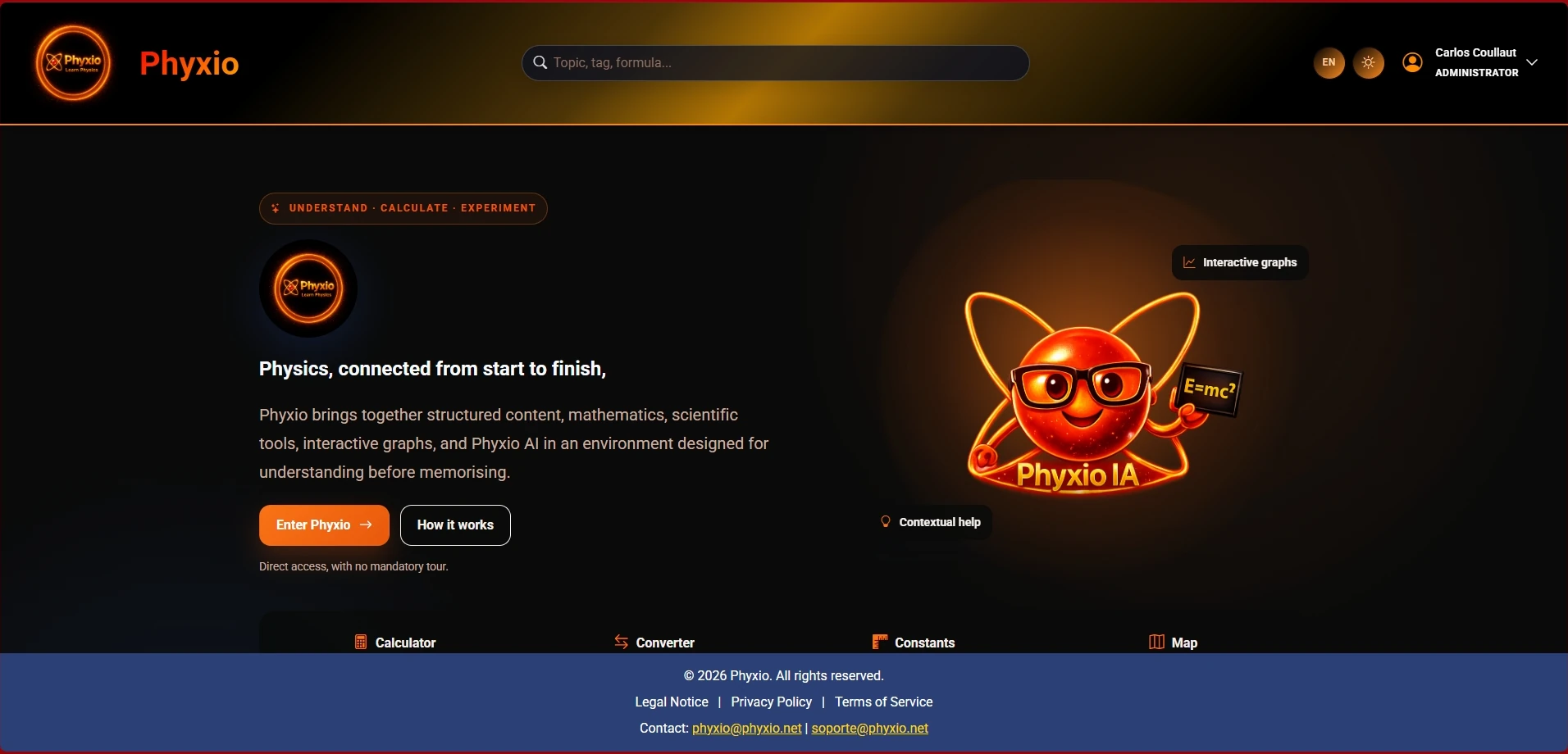
Phyxio’s homepage is engineered to immediately orient you toward core physics knowledge, supporting mathematics, and interactive scientific tools.
Key Elements on the Homepage
Hero Banner & Scientific Motto
Displays Phyxio’s core philosophy: "Understand · calculate · experiment", emphasizing physical understanding prior to memorizing equations.
«Enter Phyxio» Primary CTA Button
High-visibility orange button leading directly to the interactive physics map explorer (/temario) without mandatory upfront registration.
«How it works» Quick Guide Button
Direct link to pedagogical guides and methodological problem-solving toolsets.
Phyxi: Mascot and AI Assistant
The welcoming mascot introduces Phyxi, the interactive tutor accompanying you across nodes and study leaves to clarify physical concepts.
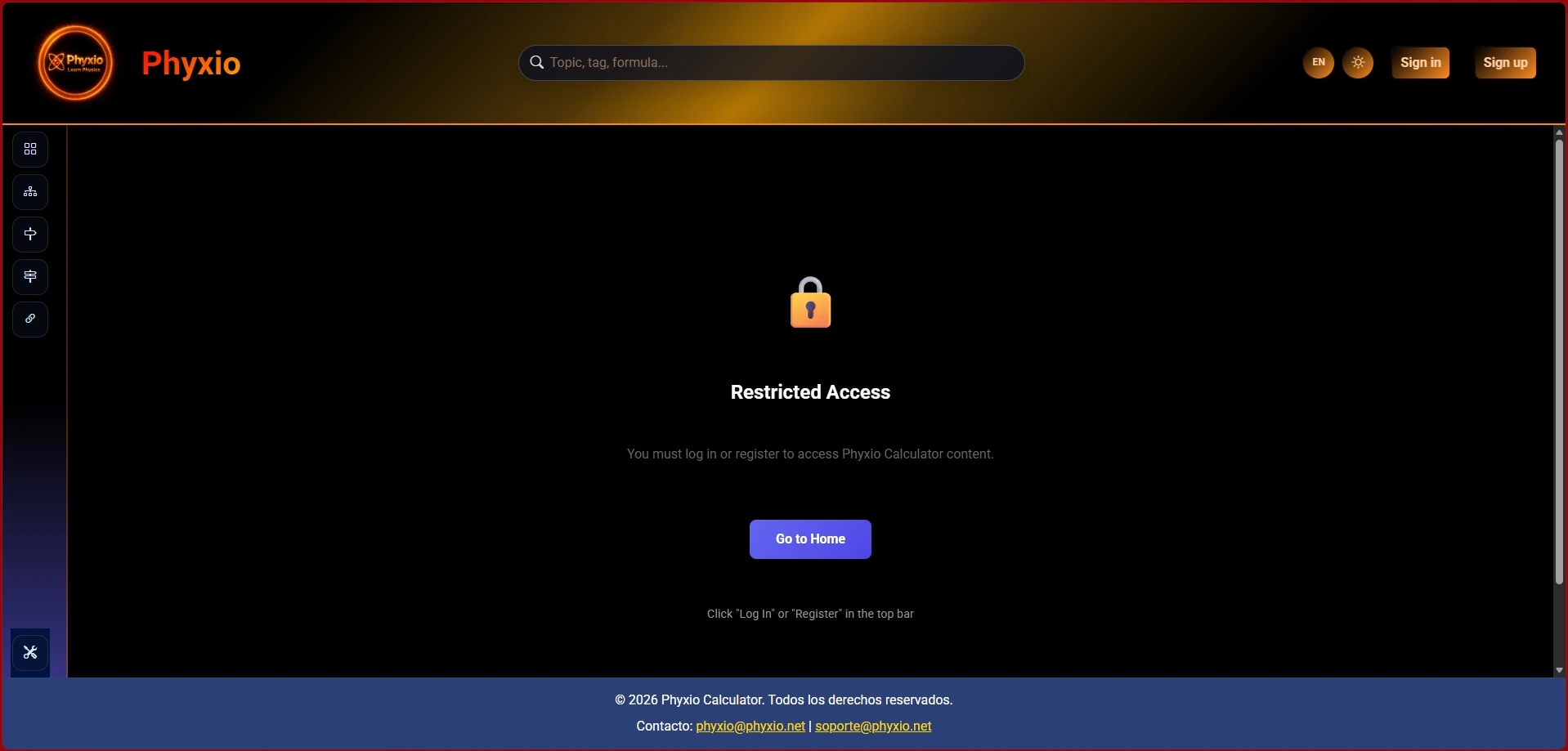
Ensures persistent cloud storage of your progress, exercise responses, and handwritten documents.
Direct entry for registered users or via temporary school voucher access codes.
Quick sign-up with no credit card required to explore all interactive features instantly.
Personalized assistance, KaTeX OCR transcription, and step-by-step problem correction.